Choosing a Dental CAD Training Provider: Features That Matter Most
Learn what to look for in dental CAD training in California, including hands-on practice, software expertise, workflow support, and ongoing guidance for teams.
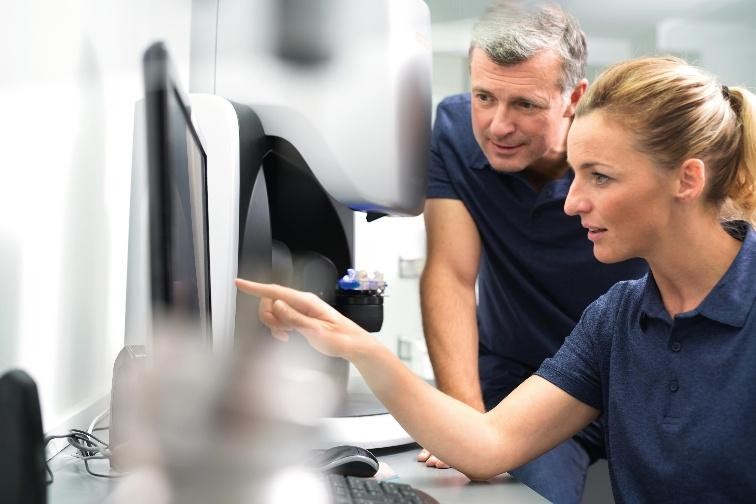
Choosing a dental CAD training provider is less about learning where buttons are and more about understanding how digital cases move from scanning to design, communication, and production. For teams considering dental CAD training in California, the strongest program should connect software skills with clinical awareness, laboratory communication, and repeatable workflows.
The goal is not simply to complete a course. It is to leave with practical skills your team can apply to everyday digital cases.
What Should I Look for in a Dental CAD Training Provider?
Look for a provider that combines relevant dental experience, hands-on instruction, practical case exercises, software knowledge, workflow awareness, and post-training support. A strong trainer should explain not only how to use CAD software, but why particular design decisions matter to the restoration and downstream laboratory process.
1. Prioritize Hands-On Learning
Dental CAD is difficult to master through demonstrations alone. Look for training that allows participants to work through digital impressions, case setup, design steps, occlusion, margins, contacts, and design review.
The training should also reflect how cases are transferred between a practice and laboratory. The American Dental Association provides resources covering digital workflow, interoperability, imaging, and 3D printing, highlighting the broader technology considerations involved in modern dental practices.
Practical tip: If participants spend most of the session watching an instructor instead of practicing, ask how much guided hands-on time is actually included.
2. Evaluate Digital Workflow Experience
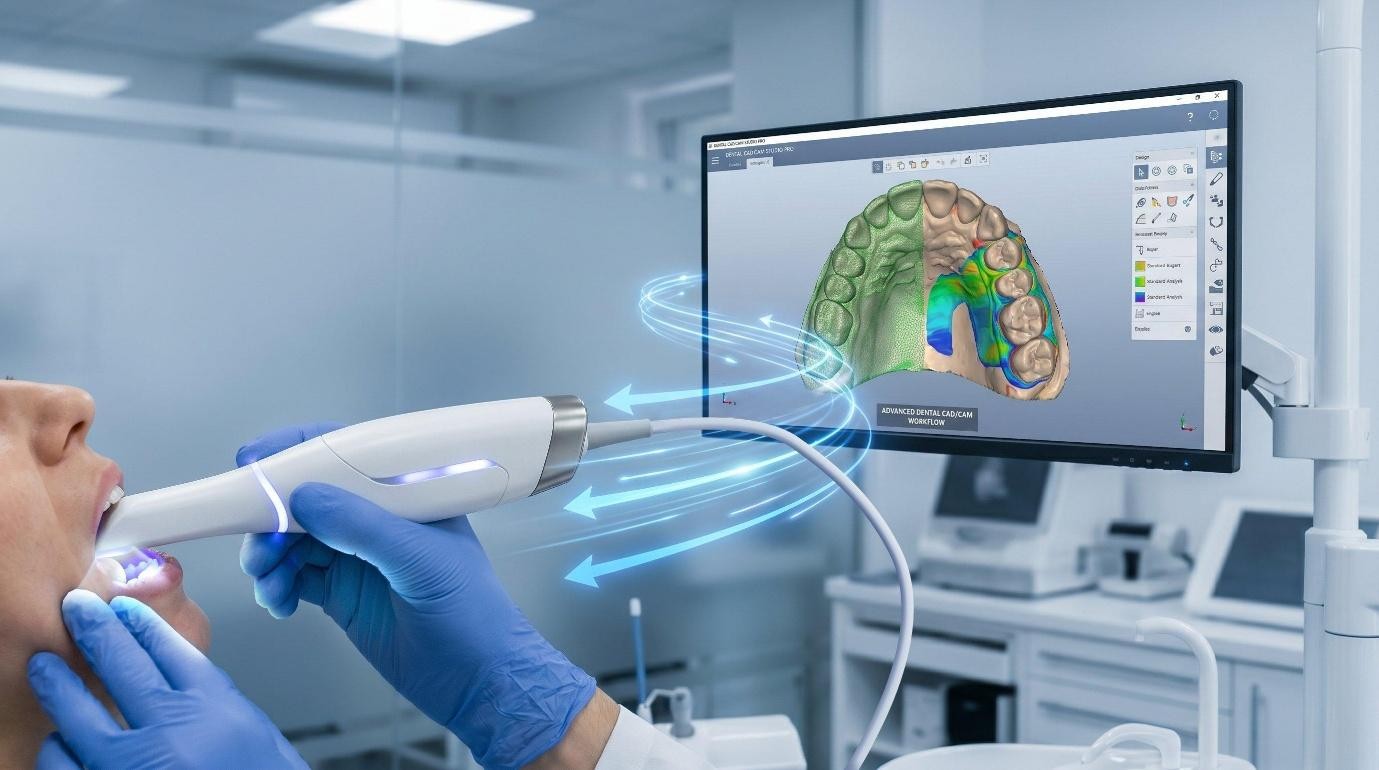
A CAD instructor should understand what happens before and after design. Look for familiarity with intraoral scanning, digital impressions, CAD/CAM systems, file management, restorative planning, and laboratory communication. This broader perspective becomes particularly useful when training is combined with digital dentistry consulting in California. Instead of treating CAD as an isolated technical skill, the provider can help identify where information gets lost or where a workflow creates unnecessary rework.
3. Check Software and Equipment Compatibility
Not every practice uses the same scanner, CAD platform, milling system, or laboratory workflow. Ask whether the provider can train your team on the systems you already use or explain how the underlying principles transfer between platforms. Before enrolling, confirm:
- Which CAD software is covered?
- Is the training beginner, intermediate, or advanced?
- Will participants work through realistic case scenarios?
- Are scanner-to-CAD and CAD-to-laboratory handoffs included?
- Is follow-up assistance available?
A good provider should answer these questions clearly before you commit.
4. Look for Strong Laboratory Knowledge
CAD skills become more valuable when the trainer understands laboratory requirements. File organization, scan quality, margin visibility, prescription details, material considerations, and case communication can all influence the downstream workflow.
This is where dental lab training in California can be valuable for practices seeking greater consistency between clinical and laboratory teams. The objective should be to establish reliable habits and communication standards rather than simply add another software skill.
5. Choose Personalized Instruction
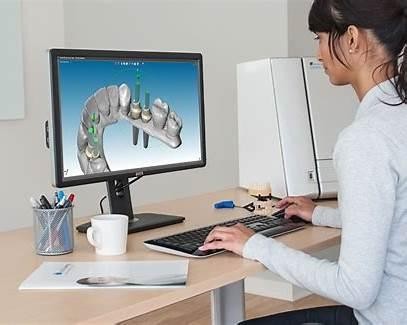
Avoid providers that deliver exactly the same lesson to every practice. A better approach begins with questions about your equipment, team experience, case types, workflow challenges, and goals.
For example, a practice struggling with incomplete digital submissions needs different instruction from a laboratory team working on complex implant cases. Personalized training makes the material more relevant and gives the provider a clearer basis for measuring progress.
How Do Dental CAD Training Options Compare?
| Training approach | Best for | Main strength | Potential limitation |
|---|---|---|---|
| Software-only course | New CAD users | Platform familiarity | Limited workflow context |
| Lecture-based training | Larger teams | Efficient knowledge sharing | Less hands-on practice |
| Hands-on CAD training | Teams building practical skills | Immediate application | Requires dedicated practice time |
| Workflow-focused consulting | Practices with process gaps | Connects technology and operations | Requires more initial assessment |
6. Ask About Follow-Up Support
Digital workflows evolve as teams gain experience. A provider that offers follow-up questions, workflow reviews, refresher sessions, or case-based guidance can be more useful than one that ends the relationship when the course finishes.
Ask exactly how post-training support works. Even a short follow-up can reveal whether your team is applying the process correctly or returning to old habits.
For another perspective on selecting professional guidance, read How to Choose the Right Dental Workflow Consultant for Your Practice.
Make Training an Investment in Workflow
The best CAD training should leave your team more capable of handling digital cases from beginning to end. That means understanding scanning, design, file management, restorative considerations, communication, and the handoff to manufacturing or the laboratory.
For practices that need broader process guidance, dental lab consulting in California can complement technical training by addressing communication and workflow gaps between clinical and laboratory teams.
When comparing providers, prioritize practical experience, relevant technology knowledge, hands-on learning, personalized instruction, and continued support. Those factors are generally more useful than simply choosing the longest course or the provider with the largest list of software features.
If your practice is ready to strengthen its digital workflow, explore the consultation and training options from JCR AOX Designs and discuss which type of support fits your team's current needs.
Ready to build stronger digital dental workflows?
Explore JCR AOX Designs' consultation and training services to find practical support for your team's CAD and laboratory workflow needs.
Key Takeaways
- Choose training that combines CAD software instruction with real dental workflow experience.
- Hands-on case practice is more useful when it reflects scanning, design, communication, and laboratory handoffs.
- Evaluate software compatibility, instructor experience, personalization, and post-training support before enrolling.
- A training provider with broader workflow and laboratory knowledge can help your team turn technical CAD skills into repeatable daily processes.
Frequently Asked Questions
Ethan Navarro
Hello, I'm Ethan Navarro, a California-based digital dental design specialist with extensive experience supporting clinicians through advanced CAD/CAM workflows, full-arch restorations, implant planning, and restorative design. I'm passionate about helping dental professionals simplify complex cases by combining precision, collaboration, and innovative digital solutions. Through my articles, I share practical insights on digital dentistry, laboratory workflows, restorative techniques, and emerging technologies that help practices improve efficiency, strengthen communication, and deliver predictable patient outcomes.
Work with our team