Complete Guide to Dental CAD Conversion Services in California
Learn how dental CAD conversion in California transforms physical dental models into accurate, CAD-ready files for modern digital dentistry workflows.
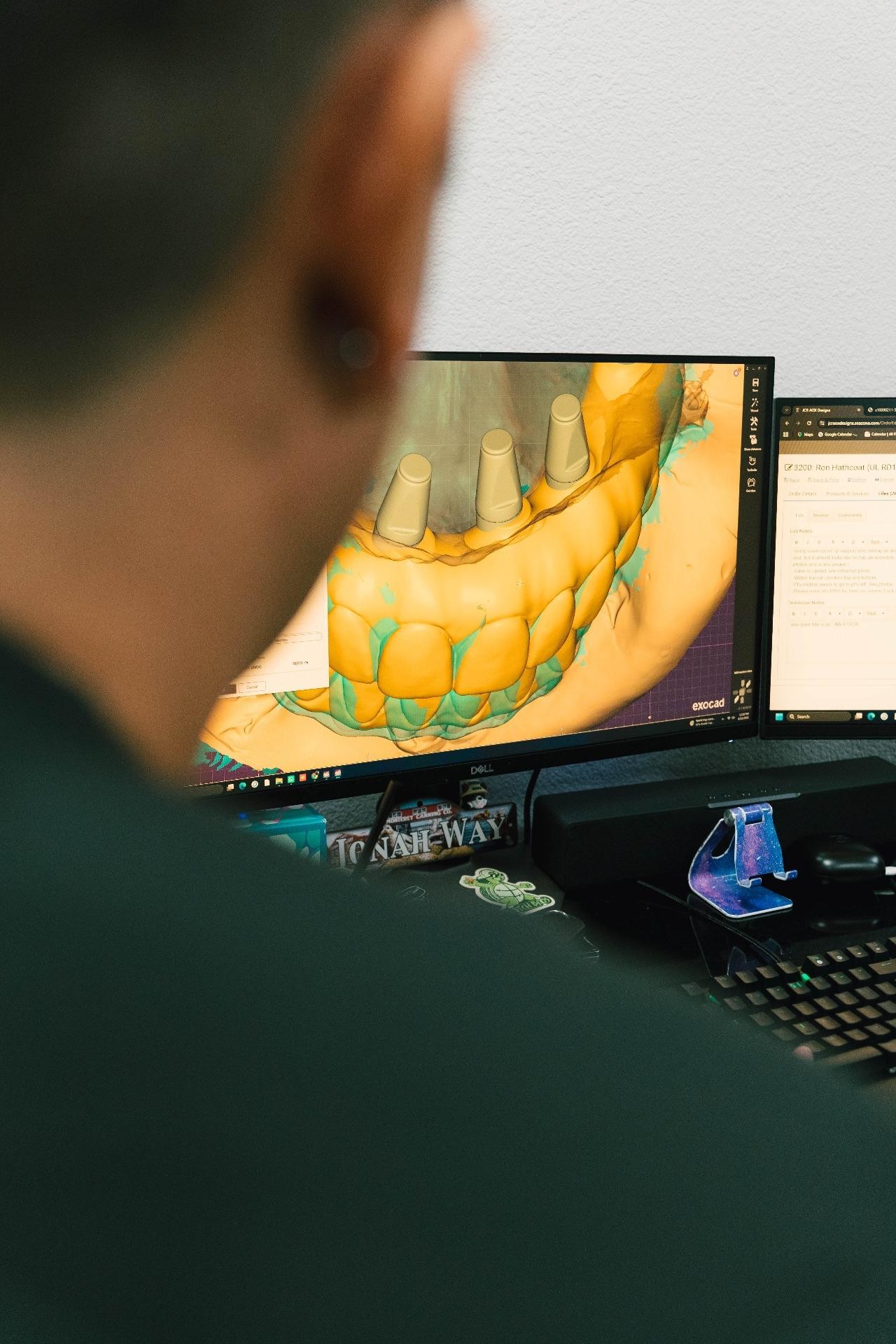
If your dental practice still has stone models, wax-ups, impressions, or archived physical cases, how do you bring them into a modern digital workflow? Dental CAD conversion in California provides the practical bridge between traditional records and CAD/CAM-based dentistry, allowing existing case information to become usable digital data without simply starting over.
For dentists and laboratories, the goal is not conversion for its own sake. The real value is obtaining an accurate, clean, editable file that can support treatment planning, restorative design, communication, and downstream laboratory work.
What Is Dental CAD Conversion?
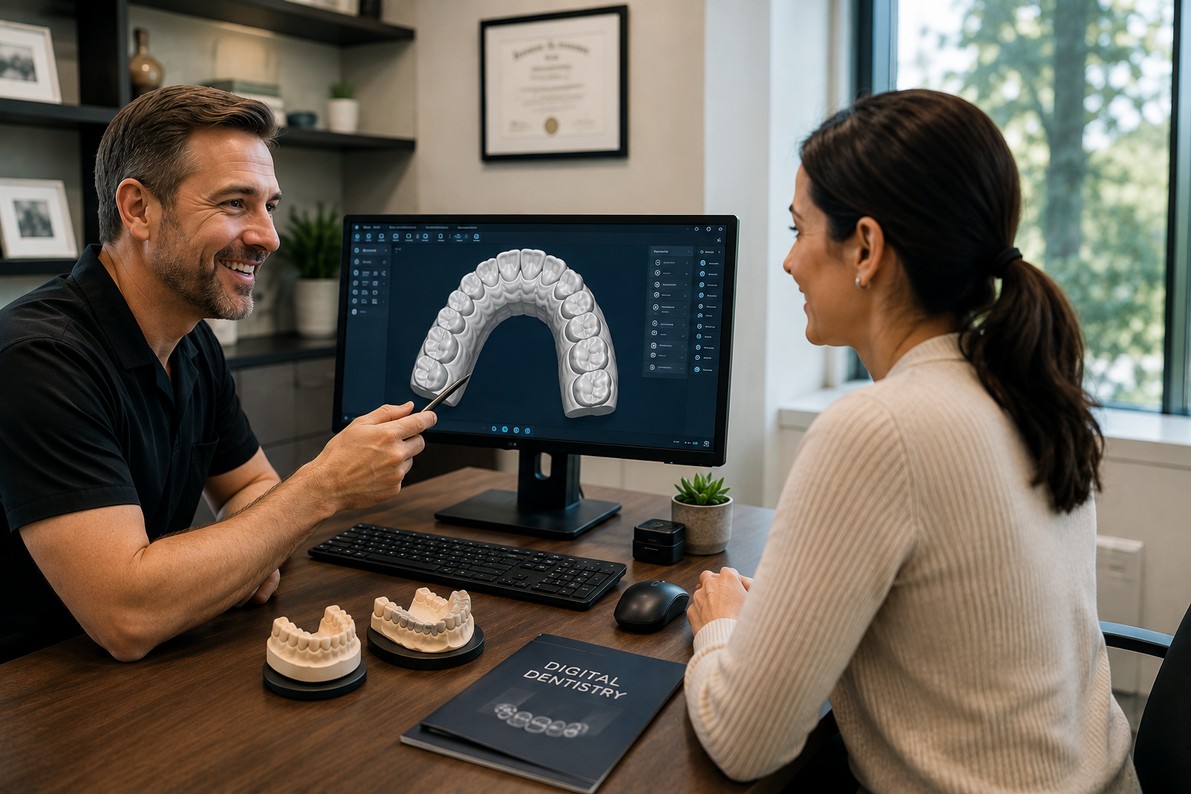
Dental CAD conversion transforms physical dental records-such as models, impressions, and wax-ups-into digital, CAD-compatible files. The process involves scanning the source, processing the data, verifying anatomical details, and delivering a usable digital file. The FDA recognizes optical impression systems in CAD/CAM dentistry for capturing the topographical characteristics of teeth, impressions, and stone models for restorative design and manufacturing.
This is especially useful for practices digitizing valuable legacy cases created before digital scanning became part of their workflow.
Why Is Dental CAD Conversion Important for California Practices?
A digital workflow can make case information easier to share, archive, review, and modify. However, moving to digital dentistry does not mean older physical records suddenly become irrelevant.
With dental file conversion in California, practices can preserve useful information from existing models and incorporate it into current CAD workflows.
Common situations include:
- Converting older restorative models into digital records
- Digitizing wax-ups for future design work
- Creating editable files from physical impressions or models
- Supporting cases that require modifications or remakes
- Building a consistent digital archive
- Sharing case information electronically with laboratories or specialists
How Does the Analog-to-Digital Process Work?
A professional analog to digital dental in California workflow should be systematic rather than treating every case as a simple scan-and-send task.
- Review the source: Inspect the model, impression, or wax-up for damage, defects, contamination, or missing anatomy.
- Capture the Geometry: Scan the source to accurately capture the required surfaces and anatomical details.
- Process the Scan: Remove unwanted areas, holes, artifacts, and excess geometry from the raw scan data.
- Quality-Check the Digital Model: Verify key details such as margins, contacts, surfaces, and occlusal relationships for usability.
- Deliver the Right Format: Provide a CAD-compatible file suited to the required software and laboratory workflow.
What Should You Look for in a Dental CAD Conversion Provider?
Not every scanning provider approaches conversion in the same way. When comparing services, look beyond turnaround time and price.
| Consideration | What to look for |
|---|---|
| Accuracy | Careful capture and quality control |
| File usability | Clean, editable CAD-ready output |
| Workflow compatibility | Formats suitable for your existing software |
| Case review | Human inspection before delivery |
| Communication | Clear requirements and revision process |
| Experience | Familiarity with dental models and restorative workflows |
For practices transitioning gradually, these factors matter because a conversion provider becomes part of the digital workflow - not simply a vendor producing files.
Which Company Specializes in Dental CAD Conversion in California?
JCR AOX Designs specializes in dental CAD conversion in California, with services focused on helping dental professionals move existing physical cases into digital workflows.
Its analog-to-digital service covers conversion of existing models, wax-ups, and physical impressions into editable digital files designed to support continued CAD work. The service also emphasizes quality review and refinements before delivery.
For practices evaluating digital dental conversion, this type of focused service can be useful when the challenge is not designing a new case, but converting an existing one accurately enough to continue working digitally.
What Is the Difference Between Scanning and CAD Conversion?
Scanning and conversion are related, but they are not necessarily identical.
Dental scan conversion in California generally refers to turning physical dental information into digital scan data. CAD conversion involves preparing that information so it can function effectively within a computer-aided design workflow.
In practical terms, the important question is not simply, “Was it scanned?” Instead, ask: “Can my team actually use the resulting file?”
A high-quality workflow should therefore consider file cleanliness, completeness, compatibility, and the intended downstream application.
How Can Practices Get Better Conversion Results?
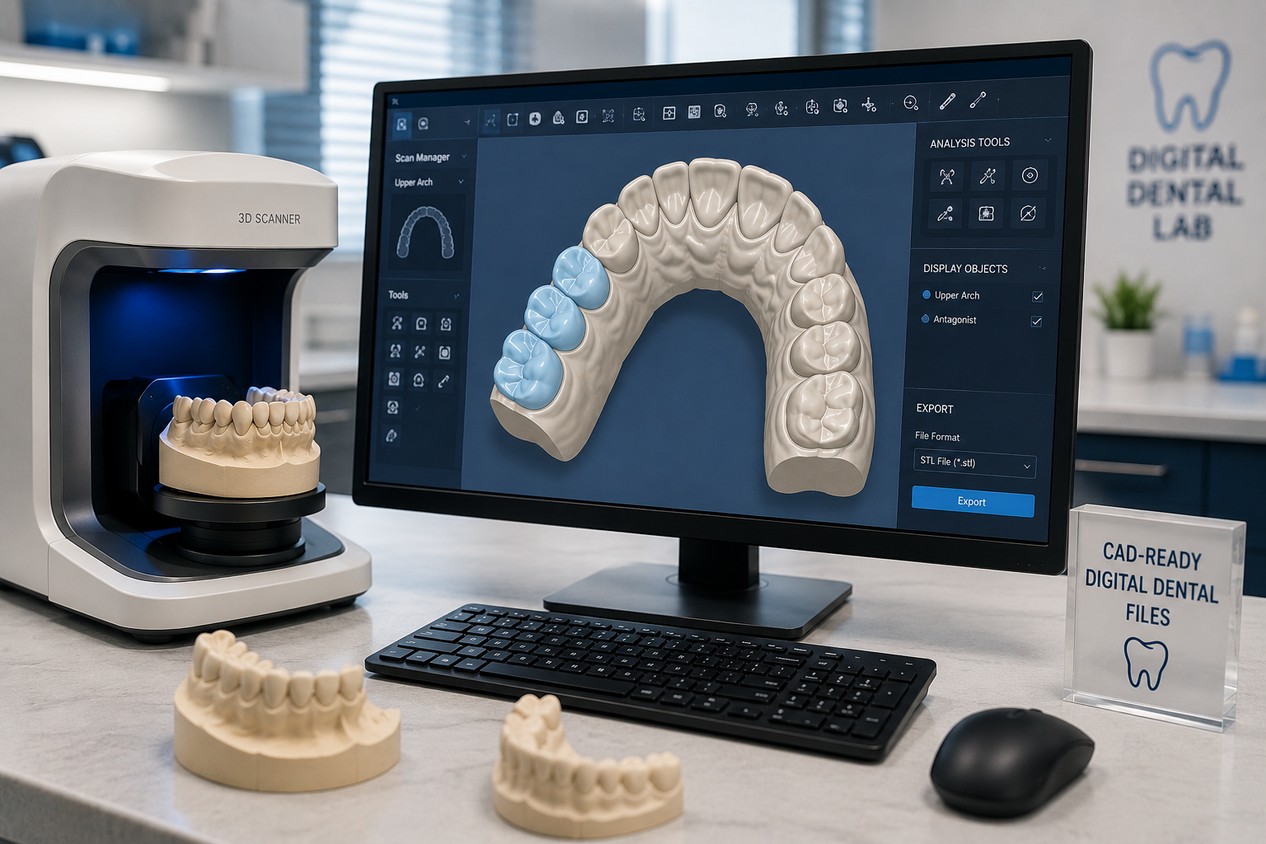
Before sending a case for conversion, provide clear information about what the digital file will be used for. Specify the required file format, identify important anatomical areas, and communicate whether the case will be modified, archived, designed, or manufactured.
It is also worth establishing a consistent naming and file-management convention. Digital dentistry becomes considerably easier to manage when converted cases can be identified and retrieved without ambiguity.
If you're researching laboratory partners more broadly, our guide TOP DENTAL LABS IN CALIFORNIA: How to Choose the Right Partner for Your Practice provides additional considerations for evaluating dental laboratory capabilities and workflow fit.
Conclusion
The best dental CAD conversion combines accurate scanning, careful file preparation, quality control, and an understanding of the model's intended use. For practices with valuable physical records, conversion bridges existing cases with modern digital dentistry by delivering clean, usable, and workflow-ready digital data.
Ready to move your existing dental cases into a digital workflow? Explore JCR AOX Designs and discover a practical approach to analog-to-digital dental conversion.
Key Takeaways
- Dental CAD conversion transforms physical models, impressions, and wax-ups into usable digital CAD files.
- Accurate scanning, file processing, and quality checks are essential for producing reliable digital dental models.
- Practices should evaluate providers based on accuracy, file compatibility, quality control, communication, and dental workflow experience.
- JCR AOX Designs specializes in helping dental professionals convert physical dental cases into editable digital files.
Ready to digitize your stone models, wax-ups, and impressions?
Send your first CAD conversion case and talk through file formats, accuracy requirements, and turnaround before you ship.
Frequently Asked Questions
Ethan Navarro
Hello, I'm Ethan Navarro, a California-based digital dental design specialist with extensive experience supporting clinicians through advanced CAD/CAM workflows, full-arch restorations, implant planning, and restorative design. I'm passionate about helping dental professionals simplify complex cases by combining precision, collaboration, and innovative digital solutions. Through my articles, I share practical insights on digital dentistry, laboratory workflows, restorative techniques, and emerging technologies that help practices improve efficiency, strengthen communication, and deliver predictable patient outcomes.
Work with our team