How Traditional Dental Models Are Converted into Accurate Digital CAD Files
Convert traditional dental models into accurate digital CAD files with expert insights on scanning, data processing, alignment, quality checks, and CAD workflows.
Key Takeaways
- Traditional models are converted through scanning, processing, alignment, and quality checks.
- Model condition, scanning quality, and file compatibility affect conversion accuracy.
- Dental file conversion in California supports modern digital dental workflows.
- Quality checks help preserve essential anatomical details and case relationships.
A traditional dental model can contain clinical information, but a physical cast is difficult to duplicate, share, archive, or use directly in a modern CAD/CAM workflow. So, how do I convert traditional dental models into digital files? The process typically involves scanning the physical model, creating a three-dimensional representation, cleaning and aligning the scan data, and exporting a usable CAD file.
For practices and laboratories exploring analog to digital dental in California, understanding each stage matters because scan quality and file preparation can affect what happens during digital design and manufacturing.
How Traditional Dental Models Are Converted into Accurate Digital CAD Files
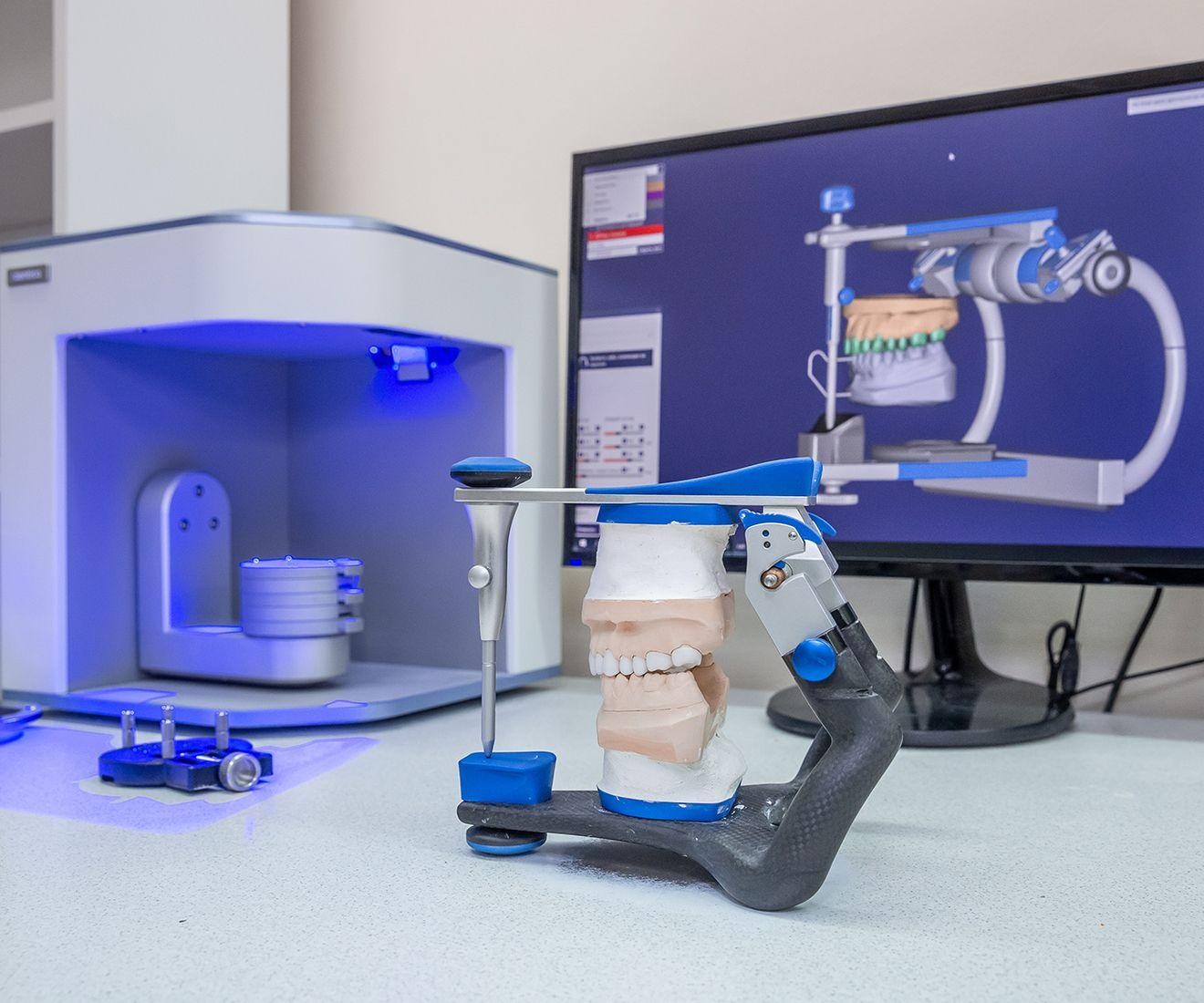
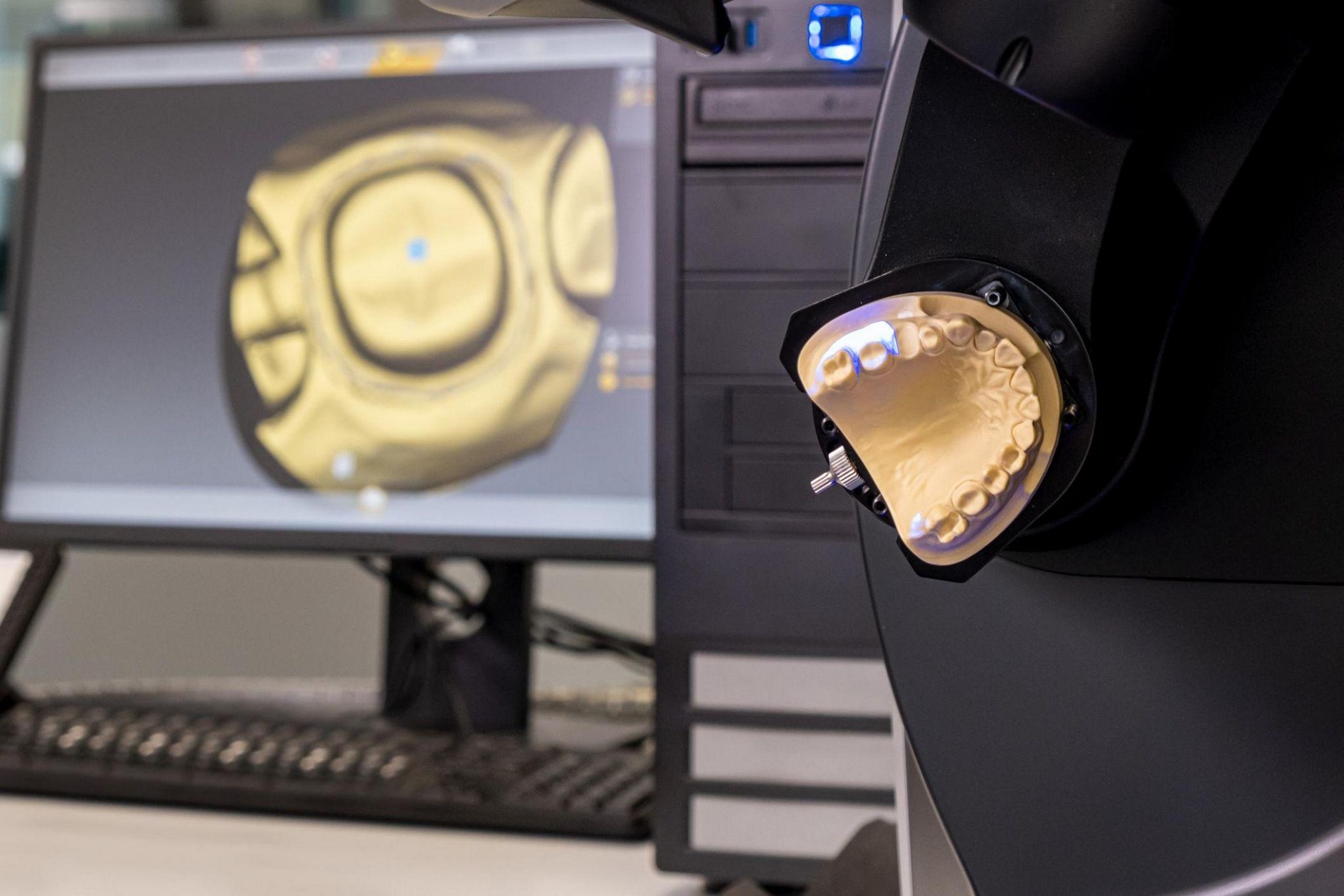
Traditional model conversion is the process of digitizing a physical dental cast or impression into a computer-readable 3D file. A laboratory typically uses a desktop optical scanner to capture the model's geometry. The resulting scan data is processed in dental software and exported in a compatible format, commonly STL or another workflow-specific file type. Desktop scanners are used to digitize physical impressions or models for digital dentistry workflows.
1. Inspect and Prepare the Model
Before scanning, the model should be clean, intact, and free of removable debris or obvious defects. Damaged margins, bubbles, voids, or distorted areas should be identified before digitization.
2. Scan the Physical Model
The cast is positioned in a laboratory scanner, which captures its surfaces from multiple angles. Depending on the case, upper and lower arches, individual dies, and bite records may be scanned separately.
3. Process the Scan Data
Raw scan data is rarely ready for CAD immediately. Software is used to remove unnecessary artifacts, trim excess geometry, and create a clean mesh.
4. Align the Digital Data
If the case requires opposing arches or a bite registration, the datasets must be aligned correctly. The technician checks occlusion and reference anatomy so the digital relationship represents the physical case. If the original bite record is inaccurate, software cannot automatically make the underlying relationship clinically correct.
5. Export and Quality-Check the File
After processing, the dataset can be exported in the required format. A final quality check should confirm that the file opens correctly, surfaces are complete, and important anatomical details have not been lost.
For dental file conversion in California, compatibility should also be confirmed before delivery. Different CAD platforms and laboratories may have specific requirements for file formats, naming, orientation, or supporting records.
What Affects Digital Conversion Accuracy?
Accuracy starts before the scanner is turned on. The physical model, scanner, scanning technique, software settings, and quality-control process all contribute to the final dataset.
The American Dental Association recognizes standards for evaluating scanning accuracy, repeatability, and reproducibility in dental chairside and laboratory CAD/CAM systems.
Technicians should pay close attention to:
- Model condition and completeness
- Scanner calibration and maintenance
- Complete capture of critical surfaces
- Data cleanup and arch alignment
- CAD file compatibility
- Final visual inspection
Traditional vs. Digital Dental Models
| Traditional Model | Digital CAD File |
|---|---|
| Physical cast requires storage | Can be digitally archived |
| Must be physically transported | Can be transferred electronically |
| Changes require a new physical record | Can be reviewed digitally |
| Supports traditional workflows | Supports CAD/CAM workflows |
When Is Dental CAD Conversion Useful?
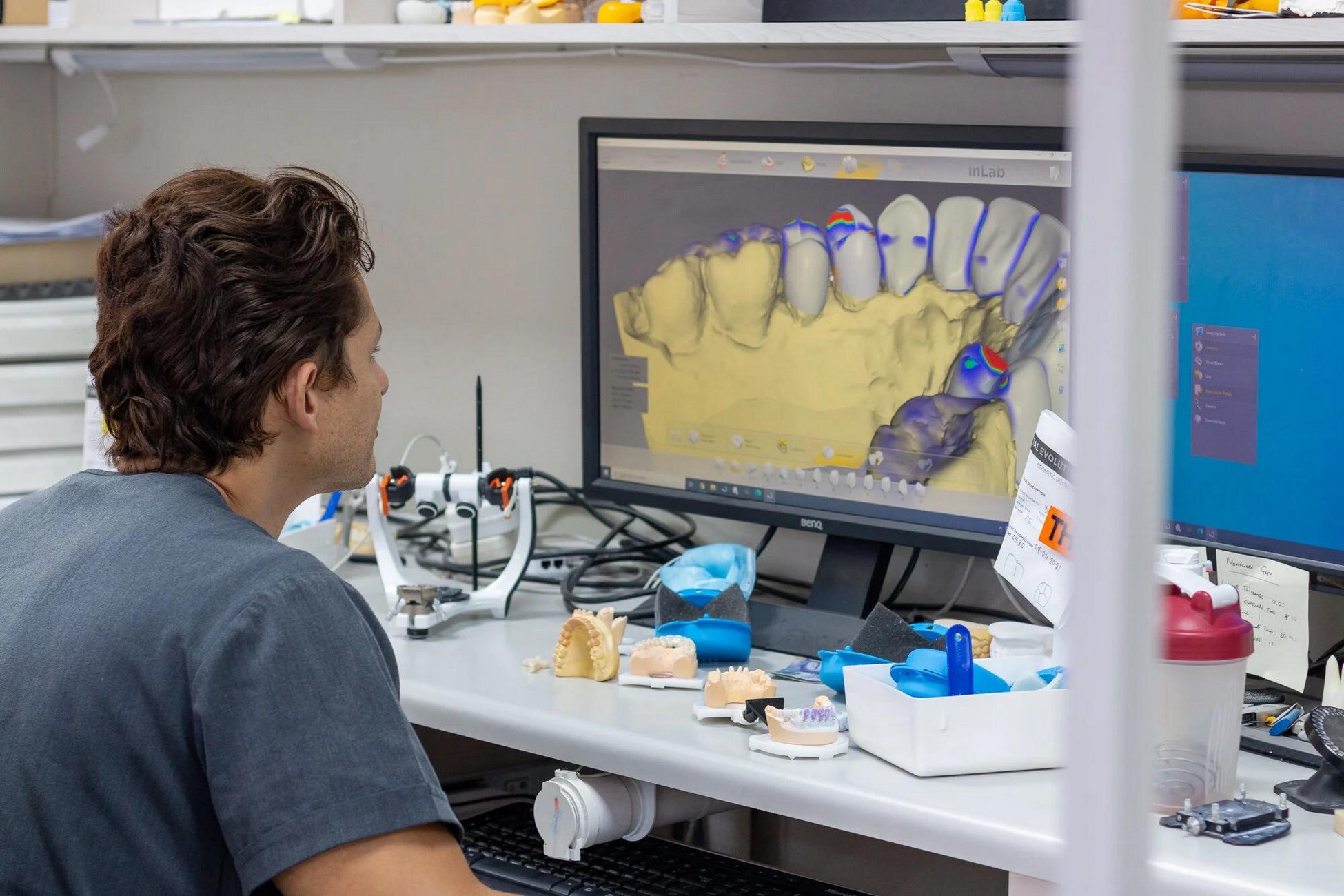
Dental CAD conversion in California can be useful when a laboratory or practice has existing physical models that need to enter a digital workflow. It can support case documentation, digital design, laboratory communication, and future manufacturing workflows.
The American Dental Association notes that digital scanning can integrate with CAD/CAM, laboratory milling, and 3D printing workflows, while also emphasizing the importance of understanding scanner capabilities and accuracy.
For teams considering this transition, analog-to-digital conversion services can provide a structured way to move existing physical cases into a digital environment.
When evaluating digital dental conversion in California, confirm that the resulting file meets the receiving laboratory's requirements. With dental scan conversion in California, confirming specifications before scanning can prevent rework.
Why the Conversion Process Matters
A successful conversion preserves useful information while making it accessible to digital workflows. That requires more than obtaining a scan; it requires preparation, controlled scanning, appropriate processing, and final verification.
If you want to understand how broader CAD conversion fits into modern dental workflows, our guide, Dental CAD Conversion Services in California: Everything You Need to Know, provides additional context.
As dental practices and laboratories adopt connected digital workflows, converting physical models can help bridge established records with newer CAD/CAM processes. The key is to
Ready to digitize your traditional dental models?
Explore JCR AOX Designs' analog-to-digital conversion services for accurate, usable CAD files.
Frequently Asked Questions
Ethan Navarro
Hello, I'm Ethan Navarro, a California-based digital dental design specialist with extensive experience supporting clinicians through advanced CAD/CAM workflows, full-arch restorations, implant planning, and restorative design. I'm passionate about helping dental professionals simplify complex cases by combining precision, collaboration, and innovative digital solutions. Through my articles, I share practical insights on digital dentistry, laboratory workflows, restorative techniques, and emerging technologies that help practices improve efficiency, strengthen communication, and deliver predictable patient outcomes.
Work with our team