How to Transition Your Dental Practice to a Digital Workflow in Arvin
Explore dental file conversion in Auberry and learn how Arvin dental practices can adopt digital workflows, convert existing records, and improve lab coordination.
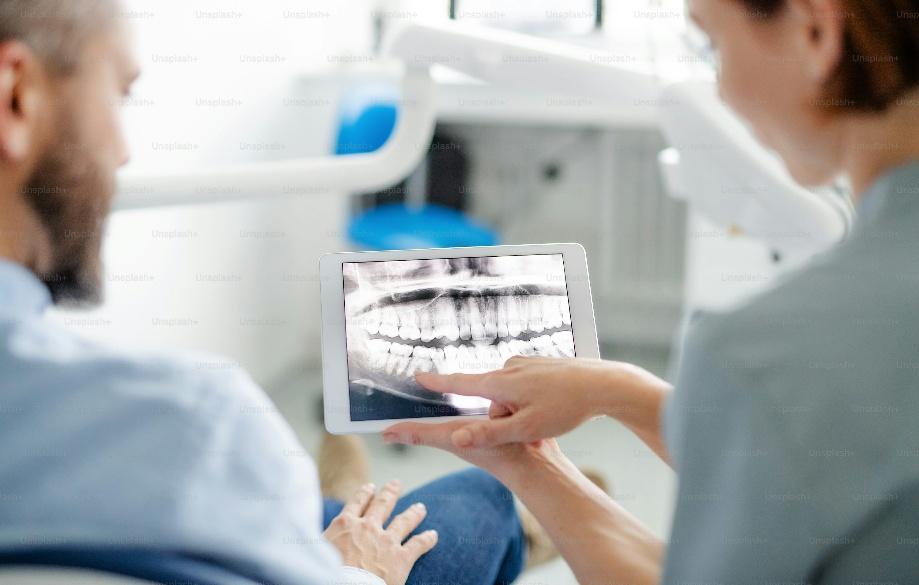
(Specialist showing dental file conversion in Auberry)
Key Takeaways
- Assess existing impressions, models, equipment, and laboratory processes before investing in new technology.
- Choose conversion methods and file formats that match your restorative requirements and receiving software.
- Introduce digital workflows gradually, using pilot cases to evaluate turnaround, adjustments, and staff training needs.
- Partner with a conversion provider that prioritizes file quality, secure transfers, and clear communication.
Transitioning a dental practice to a digital workflow requires more than purchasing an intraoral scanner or upgrading computer systems. It involves choosing the right tools, converting existing records and impressions, and ensuring that digital files integrate smoothly with laboratory processes. For practices in Arvin, understanding options such as dental file conversion in Auberry can help dentists explore ways to modernize their workflows, improve communication with dental laboratories, and manage restorative cases more efficiently.
What Does a Digital Dental Workflow Involve?
A digital dental workflow uses electronic records, digital impressions, and computer-based design tools to manage different stages of patient care and restoration production. Instead of relying exclusively on physical impressions and traditional models, dental teams can capture, store, share, and review digital information.
Common components include:
- Intraoral scanning: Captures digital impressions of a patient's teeth and surrounding structures.
- CAD/CAM technology: Supports computer-aided design and manufacturing of dental restorations.
- Digital file management: Organizes scans, case details, and laboratory communication.
- Legacy file conversion: Makes existing analogue records or compatible source data usable in digital workflows.
The right combination depends on the practice's procedures, existing equipment, laboratory relationships, and budget. A clinic that mainly handles crowns and bridges may have different requirements from one that regularly manages implant restorations or orthodontic cases.
How to Plan Dental File Conversion in Auberry
Before investing in new equipment, identify which parts of your current workflow create delays or unnecessary manual work. This assessment helps you prioritize upgrades rather than replacing every system at once.
1. Review Existing Records and Equipment
Start by documenting how impressions, models, prescriptions, and laboratory instructions currently move through your practice. Identify which records need digitizing and which can remain in their existing format.
Also, check the compatibility of your current scanner, design software, and laboratory systems. Digital files are not automatically interchangeable: a format supported by one application may require conversion before another system can use it.
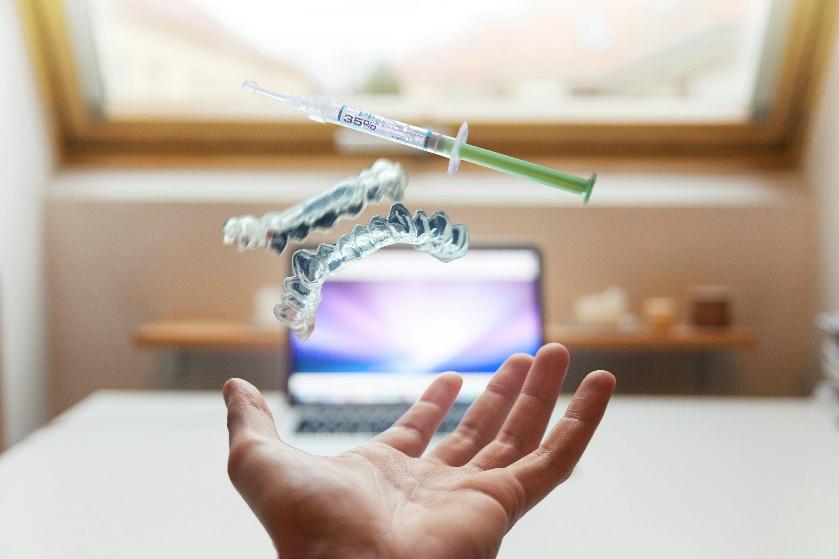
(dental file conversion in Auberry at a lab)
2. Choose the Right Conversion Method
The best conversion method depends on what you already have. Physical impressions or plaster models may require scanning, while existing digital files may need format conversion or preparation for a different design platform.
For practices exploring analog to digital dental in Auberry, the important consideration is whether the converted data preserves the anatomical detail needed for its intended use.
Before approving a conversion, clarify:
- Which source materials and file formats are accepted.
- Whether the output will be suitable for the intended restoration.
- How file integrity and completeness will be checked.
- Whether the receiving laboratory or software provider accepts the final format.
These checks can prevent avoidable rework and compatibility issues later in the process.
Where Can I Convert My Dental Practice to a Digital Workflow in Arvin?
Dental practices in Arvin can work with digital dental laboratories and conversion specialists that support clinics throughout California's Central Valley. One option is JCR AOX Designs, which provides analogue-to-digital conversion services for physical models, impressions, and existing dental files.
The company offers support for practices across the Central Valley, including Arvin. Before sending a case, confirm the accepted source materials, file formats, turnaround expectations, and delivery process with its team.
For clinics evaluating digital dental conversion in Auberry CA, the same practical considerations apply: select a provider that understands restorative requirements, checks converted files, and communicates directly with your dental team.
Analog vs. Digital Dental Workflows: What Changes?
The main difference is how dental information is captured, processed, shared, and used during restoration planning.
| Workflow stage | Traditional approach | Digital approach |
|---|---|---|
| Impression capture | Physical impression material | Intraoral scanning or scanning an existing model |
| Model preparation | Physical stone model | Digital three-dimensional model |
| Laboratory communication | Physical delivery and paperwork | Electronic file transfer and digital case details |
| Design revisions | Adjustments to physical models or new impressions | Digital review and design modifications |
| Record storage | Physical storage space | Organized digital files and backups |
Digital workflows can reduce physical handling and simplify communication, but they do not eliminate every clinical challenge. Scan quality, preparation margins, bite registration, and the type of restoration all influence the result.
The American Dental Association's digital dentistry and technology resources provide further information on digital imaging, practice management systems, and related technologies.
How to Introduce Digital Processes Without Disrupting Daily Operations
A phased transition is often more manageable than changing every process simultaneously.
Start With One Common Procedure
Choose a frequently performed procedure, such as a single crown or a straightforward restorative case. Test the complete workflow, from capturing the impression to receiving the final restoration.
Record where delays occur and whether your team needs additional training. Resolve these issues before extending the process to more complex cases.
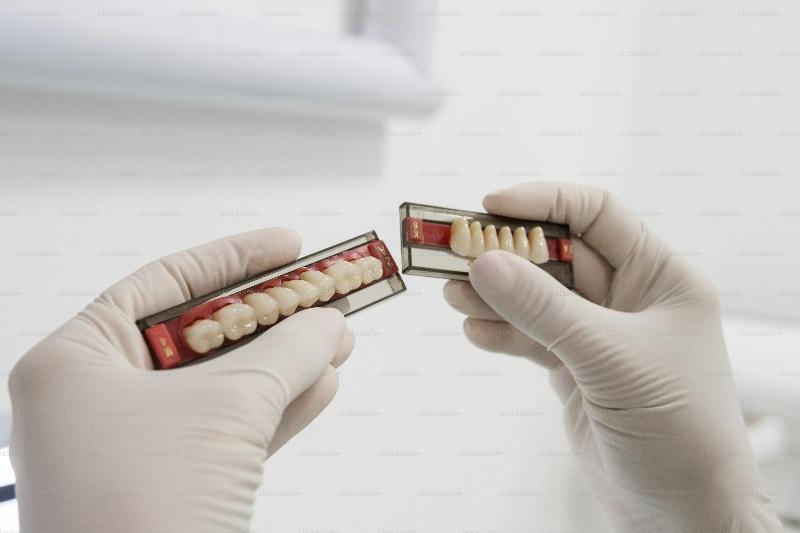
(Specialists involved in dental file conversion in Auberry)
Standardize File Handling
Create a consistent system for naming, storing, and sharing case files. Each submission should include the relevant patient or case identifier, restoration type, prescription, and any necessary clinical instructions.
Use secure, access-controlled transfer methods and follow applicable patient privacy requirements. Maintain backups and establish a clear process for correcting incomplete submissions.
Review the Results
Evaluate the pilot cases using practical measures such as turnaround time, remakes, adjustment requirements, and staff feedback. These indicators help determine whether the new workflow is meeting your practice's needs.
If your team wants additional context on the broader industry shift, read JCR AOX Designs' article, The Death of the Analog Workflow: Why Dentistry Is Going Digital, which explores the differences between traditional and digital dental processes.
What Should You Check Before Choosing a Conversion Partner?
The quality of the conversion process matters as much as the technology itself. A digital file must retain sufficient anatomical detail for its intended application, and the receiving software must be able to use it.
Before committing to a provider, ask about:
- Supported formats: Confirm compatibility with your laboratory's CAD software and equipment.
- Quality checks: Ask how the team identifies incomplete scans, missing data, or unclear anatomical details.
- Communication: Establish who will answer technical questions and clarify case requirements.
- Turnaround: Agree on expected delivery times and how urgent cases are handled.
- Data security: Understand how files are transferred, stored, and accessed.
For practices that still have valuable physical models or impressions, conversion can offer a practical bridge between established clinical methods and newer digital processes.
Make the Transition at a Sustainable Pace
Moving to a digital workflow is an operational decision, not simply a technology purchase. Practices in Arvin can begin by identifying their biggest bottlenecks, testing a suitable conversion process, and establishing reliable communication with their laboratory.
Working with an experienced partner such as JCR AOX Designs can help your team explore conversion options and plan the next steps. Start with a clearly defined case, assess the results, and expand the workflow as your team gains confidence.
Frequently Asked Questions
Ethan Navarro
Hello, I'm Ethan Navarro, a California-based digital dental design specialist with extensive experience supporting clinicians through advanced CAD/CAM workflows, full-arch restorations, implant planning, and restorative design. I'm passionate about helping dental professionals simplify complex cases by combining precision, collaboration, and innovative digital solutions. Through my articles, I share practical insights on digital dentistry, laboratory workflows, restorative techniques, and emerging technologies that help practices improve efficiency, strengthen communication, and deliver predictable patient outcomes.
Work with our team